In Oman, WhatsApp is one of the main ways people communicate every day.
Customers use it to:
- Ask questions about products or services
- Confirm timings, availability, and prices
- Share locations and screenshots with friends
- And stay in touch with businesses they trust
Because of this, WhatsApp marketing is not just a “nice extra”. It is a powerful channel to turn conversations into real customers—if you use it correctly.
In this guide, we’ll look at practical ways Oman businesses can use WhatsApp to:
- Respond faster
- Follow up smarter
- And build long‑term relationships without feeling spammy.
Section 1 – Why WhatsApp Marketing Matters So Much in Oman
First, let’s be honest about how people actually behave.
Very often, when someone is interested in your business, they will:
- See you on social media, Google, or offline
- Save your number or tap a WhatsApp link
- Send a quick message, such as:
- “Is this available?”
- “What is the price?”
- “Where exactly is your location?”
- Then wait for your reply.
Because this journey feels natural, businesses that are fast and helpful on WhatsApp often win the customer, even if they are not the absolute cheapest option.
On the other hand, if your replies are slow, unclear, or inconsistent, many people will simply move on to a competitor.
Therefore, WhatsApp is not just a chat app; it is part of your sales and customer experience in Oman.
Section 2 – WhatsApp Business vs Normal WhatsApp
Before we talk about strategy, it is important to choose the right tool.
2.1 Why use WhatsApp Business?
WhatsApp Business offers features designed for companies, such as:
- Business profile
– You can add your business name, description, location, email, and website. - Labels
– You can tag chats as “new lead”, “pending payment”, “VIP customer”, etc. - Quick replies
– You can save common answers and send them quickly. - Catalogs
– You can show products or services directly inside WhatsApp.
These features help you stay organized and professional, especially as you grow.
To learn more about these features, you can visit WhatsApp’s official Business help center.
2.2 When is regular WhatsApp enough?
For very small or early‑stage businesses, a normal WhatsApp number might be enough at first.
However, as soon as you:
- Get more than a few enquiries per week, or
- Have more than one person handling messages
then switching to WhatsApp Business becomes much more useful.
Section 3 – Using WhatsApp to Respond Faster and Better
The first step in WhatsApp marketing is good communication, not broadcasting.
3.1 Set expectations and basic responses
To begin with, it helps to:
- Add a short, friendly business description in your profile
- Use an away message outside working hours (e.g. “Thank you for your message. We’ll reply the next working day.”)
- Prepare a few quick replies for common questions, such as:
- Location + map link
- Basic pricing or packages
- Working hours
This does not replace personal messages. Instead, it makes it easier to reply quickly and clearly, then personalize the conversation.
3.2 Be human, not robotic
At the same time, your replies should still feel human:
- Use a polite, simple tone
- Address the customer by name when possible
- Answer their specific question before sending anything promotional
As a result, the person on the other side feels heard, not pushed.
Section 4 – Follow-Up: The Real Power of WhatsApp Marketing
Many businesses in Oman lose opportunities not because they never had leads, but because they never followed up properly.
4.1 Simple follow-up flows
For example, if someone asks about a service and seems interested, you can:
- Answer their question clearly
- Ask one simple qualifying question (e.g. “When are you planning to start?”)
- If they seem serious, send a short summary of the offer
- Follow up later if they go silent, with a respectful message such as: “Hi [Name], just checking if you had any other questions about [service]. Happy to help.”
This kind of light follow‑up often brings people back, without feeling like pressure.
4.2 Reminders and after‑service messages
Additionally, WhatsApp is great for:
- Appointment or booking reminders
- Thank‑you messages after a visit or purchase
- Requests for feedback or reviews (for example, Google reviews)
These small touches help you turn one‑time buyers into repeat customers.
Section 5 – Broadcasts and Lists: Use Them Carefully
WhatsApp can also send messages to many people at once, but this must be handled carefully.
5.1 Broadcast lists vs groups
- Broadcast lists allow you to send the same message to many contacts at once, but:
- Only people who saved your number will receive it
- Replies come back as private chats
- Groups show all members to each other, which can feel invasive and noisy.
For most marketing use cases, broadcast lists are safer than large groups.
5.2 What is appropriate to broadcast?
You might use broadcasts for:
- Important announcements (new branch, change of hours, etc.)
- Occasional special offers or seasonal promotions
- Useful updates for existing clients
However, you should avoid:
- Sending messages too often
- Sending irrelevant or highly generic promotions
Otherwise, people will quickly mute or block your number.
Section 6 – Integrating WhatsApp with Your Website and Social Media
WhatsApp works best when it is connected to your other channels.
6.1 Click-to-WhatsApp buttons and links
You can:
- Add a “Chat on WhatsApp” button on your website
- Use a WhatsApp link in your social media bios
- Add click‑to‑WhatsApp buttons in ads on platforms that support it
In this way, you make it easy for interested people to move from seeing you to talking to you.
6.2 Tagging leads from different sources
If you use labels in WhatsApp Business, you can tag:
- “Instagram lead”
- “Website lead”
- “Referral lead”
This makes it easier, later on, to see where your best contacts are coming from and where to invest more.
Section 7 – AI and Automation with WhatsApp: Go Step by Step
As AI and automation become more common, some tools can:
- Send automated replies to basic questions
- Route enquiries to the right team member
- Or integrate WhatsApp with a CRM to track lead status
These tools can be powerful. However, you should:
- Start simple (e.g. basic auto‑reply outside working hours)
- Always keep a human option available
- Regularly check that automated answers are still accurate and polite
In Oman’s culture, personal connection and trust are very important.
Therefore, automation should support your human team, not replace it.
Section 8 – WhatsApp Marketing as Part of Your Digital Strategy in Oman
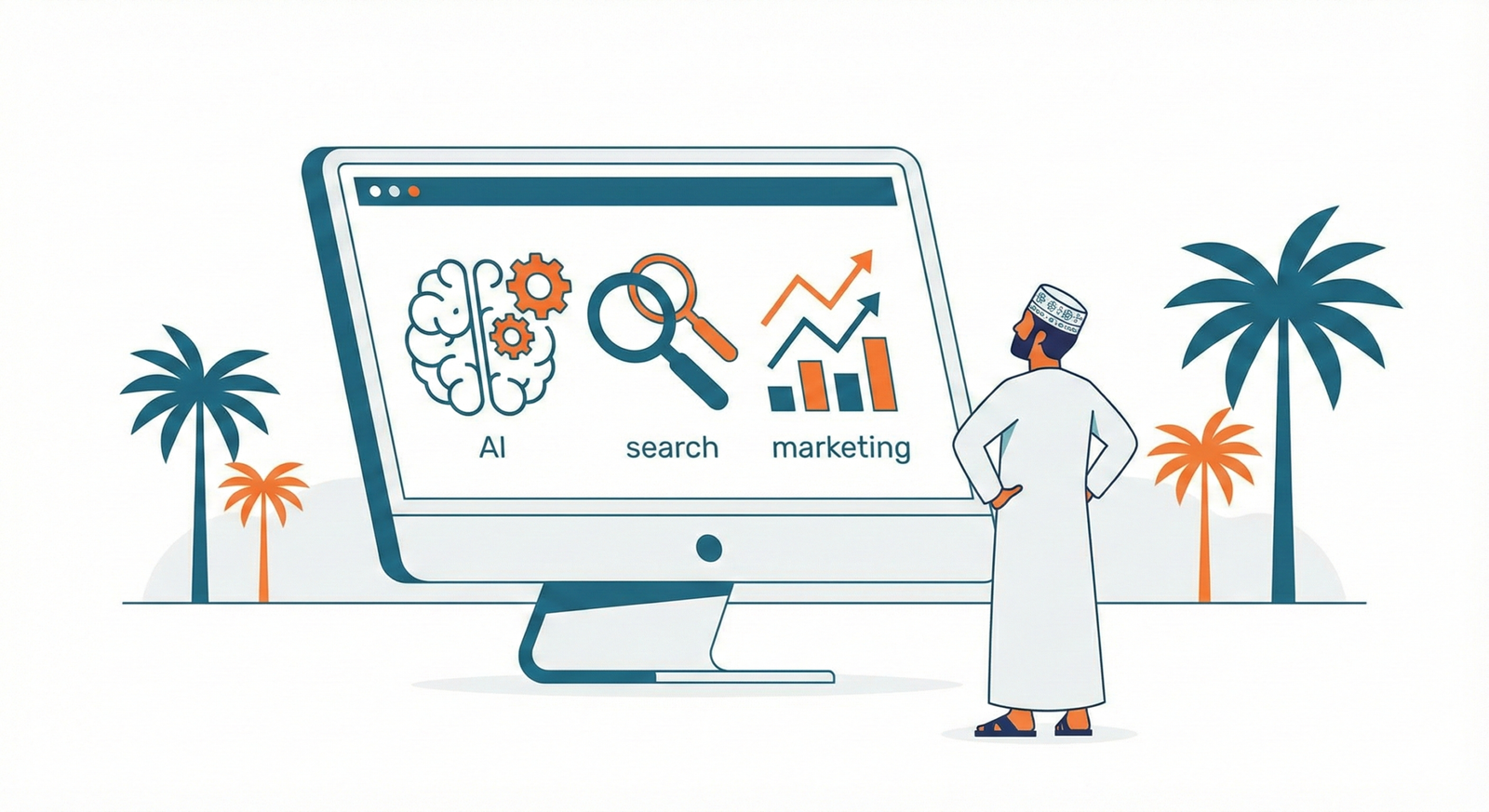
On its own, WhatsApp is strong. However, it becomes much stronger when it is part of a full digital marketing system, together with:
- SEO and local search → to help people find you first
- Social media and content → to show your value and build interest
- Website and landing pages → to explain offers and capture leads
- WhatsApp → to answer questions, follow up, and close
If you want to see how WhatsApp fits into the bigger picture of digital marketing in Oman, you can read:
Digital Marketing in Oman: Complete Guide for Local Business Growth
Section 9 – Need Help Designing WhatsApp Marketing That Feels Natural?
If you feel that:
- You are getting WhatsApp messages but not turning them into sales
- Your team is overwhelmed by chats without a clear system
- Or you want to use WhatsApp marketing professionally, not randomly
then it might be time to put a strategy in place.
At Athar Marketing, we help Oman businesses:
- Integrate WhatsApp into their overall digital marketing
- Design follow‑up flows that respect customers and save time
- And measure how WhatsApp contributes to real leads and revenue